Database AI
Database AI is a flexible database system that lets you create, organize, and search your data with the power of AI. Think of it as a smart spreadsheet that understands everyday language, shows the same data in several views, and connects to your other tools — no coding required.
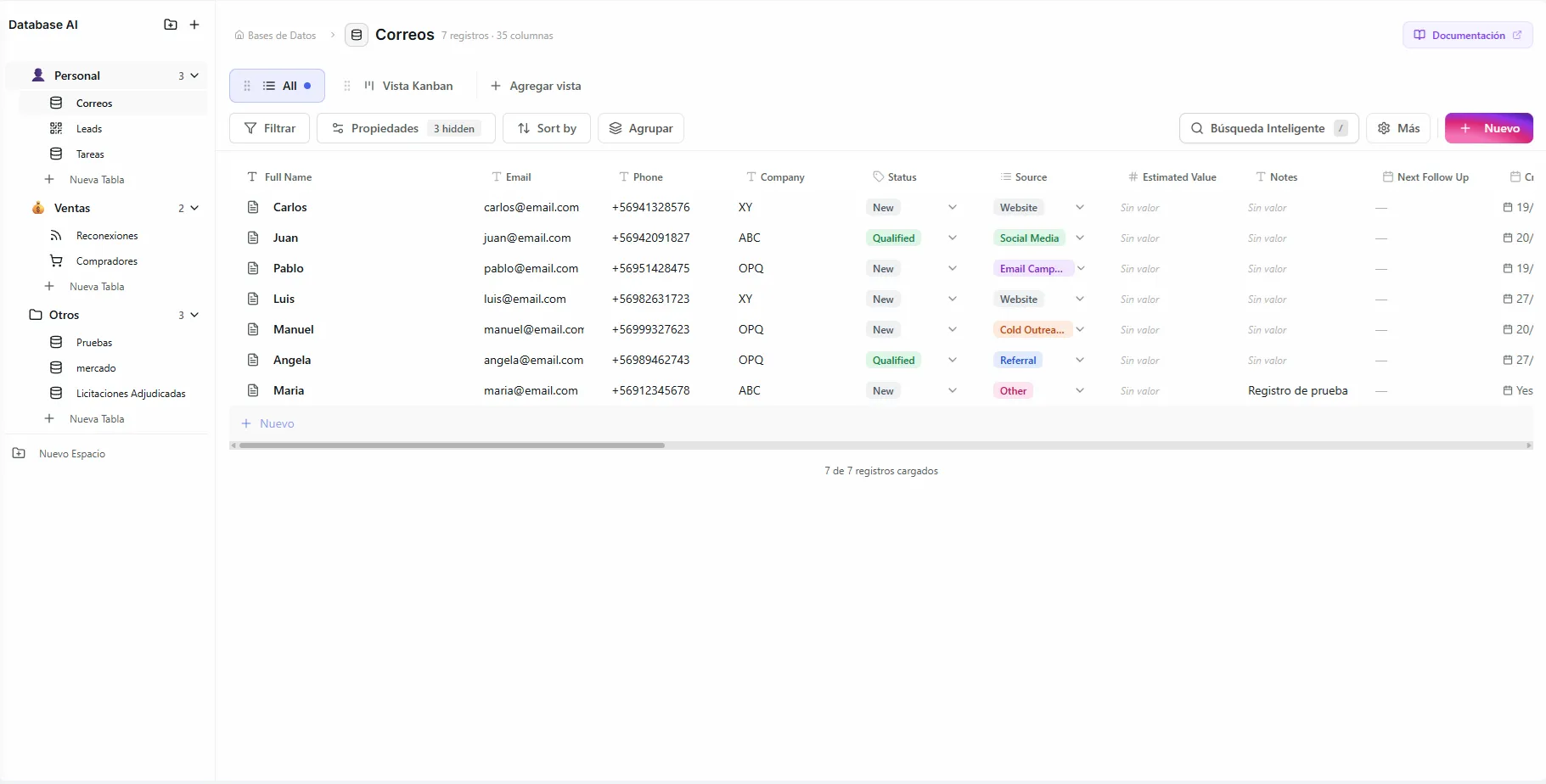 Image: Databases page showing the sidebar with spaces, a grid view, and multiple view tabs
Key Concepts
Before diving in, here's how everything fits together:
| Concept | What It Is | Analogy |
|---|---|---|
| Space | A container that groups related databases | A folder on your computer |
| Database | A collection of records with custom columns | A spreadsheet in Excel or Google Sheets |
| View | A way to display the same data differently | List, Grid, Kanban, Calendar, or Form |
| Record | A single entry in your database | A row — but also a full page with rich content |
| Connector | An external data source that auto-imports records | A pipe that feeds data into your database |
What's next
Create a Space
Organize your databases in workspaces with custom icons and names
Use a Template
Start with a pre-built database for CRM, sales, project management, and more
Set Up Views
Display your data as a list, grid, kanban board, calendar, or form
Connect Data Sources
Auto-import leads from Facebook, Instagram, and more
Share & Collaborate
Share views publicly, invite guest editors, or share with your organization
Power Up with AI
Query your data in natural language and let agents automate CRUD operations
AI Database Setup
Let AI design and create your database structure through a guided conversation
Getting Started
- Navigate to the Databases section from the sidebar
- Create a Space to organize your databases
- Add a Database inside your space with the columns you need
- Choose a View — List, Grid, Kanban, Calendar, or Form
- Start adding Records manually, via connectors, or through AI agents
Every record in your database is also a page — click any record to open a rich editor where you can write content, add icons, and format text, like a mini document for every row. Learn more in Records & Page Editor.